

Play PSP Games in HD on Mobile
Overview
PPSSPP - PSP Emulator is a free desktop and mobile utility designed to bring the classic PlayStation Portable gaming experience to modern devices. Developed by Henrik Rydgård, this application functions as a PSP emulator, enabling users to run PSP games on Android and iOS platforms with enhanced visual fidelity. The software supports high-resolution output, including full HD and beyond, allowing games to be displayed with sharper textures and improved clarity. It is particularly suited for retro gaming enthusiasts, mobile gamers, and fans of handheld console titles seeking to relive or explore PSP-era games.
The application does not include any games, requiring users to provide their own PSP game files. This ensures compliance with licensing and copyright standards while offering flexibility for personal collections or homebrew content. Real-world usage scenarios include playing games during commutes, on travel, or in environments where a dedicated PSP console is unavailable. The developer did not provide additional system requirements or detailed background on the project’s history.
Key Features & Capabilities
- High-Resolution Graphics – Supports up to full HD and higher resolutions, significantly improving visual quality over the original PSP hardware.
- Save States – Allows users to save and restore game progress at any moment, eliminating the need to rely on in-game save points.
- Customizable Controls – Offers flexible on-screen control layouts with support for touch, keyboard, and external controllers.
- Texture Enhancement – Improves in-game textures for crisper visuals, enhancing the overall gaming experience.
- Color and Brightness Adjustment – Users can fine-tune screen appearance with customizable brightness, color balance, and visual effects.
- Homebrew Game Support – Enables the playback of free, user-created homebrew games without additional restrictions.
These features are particularly useful for players who want to preserve gameplay continuity, optimize visual quality, or adapt controls to their preferred style. For example, the save state function is ideal for long gaming sessions where frequent saves are impractical. The texture enhancement and resolution scaling benefit users with high-end devices seeking a modernized retro experience.
User Interface, Workflow & Performance
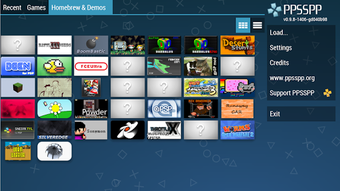
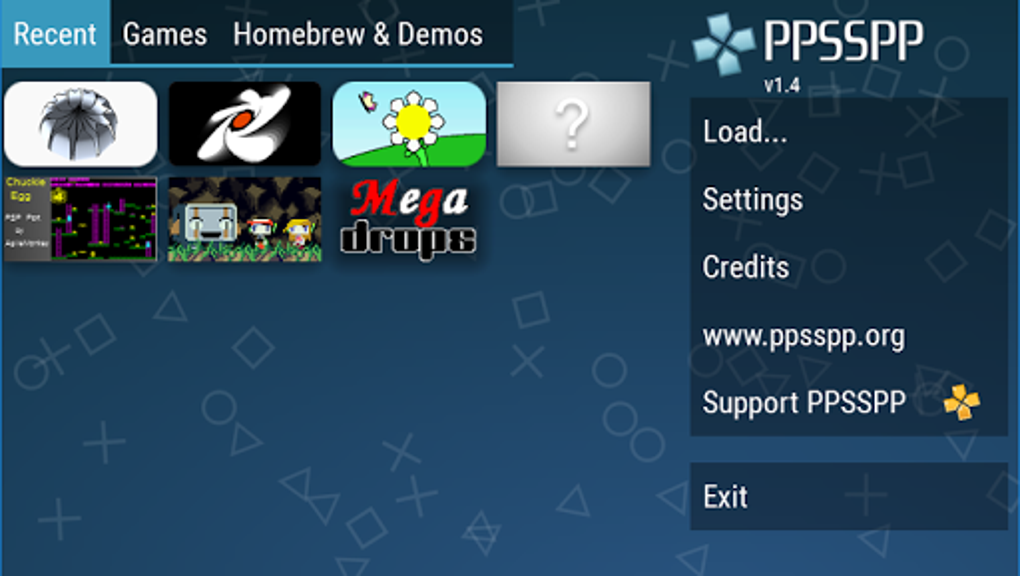
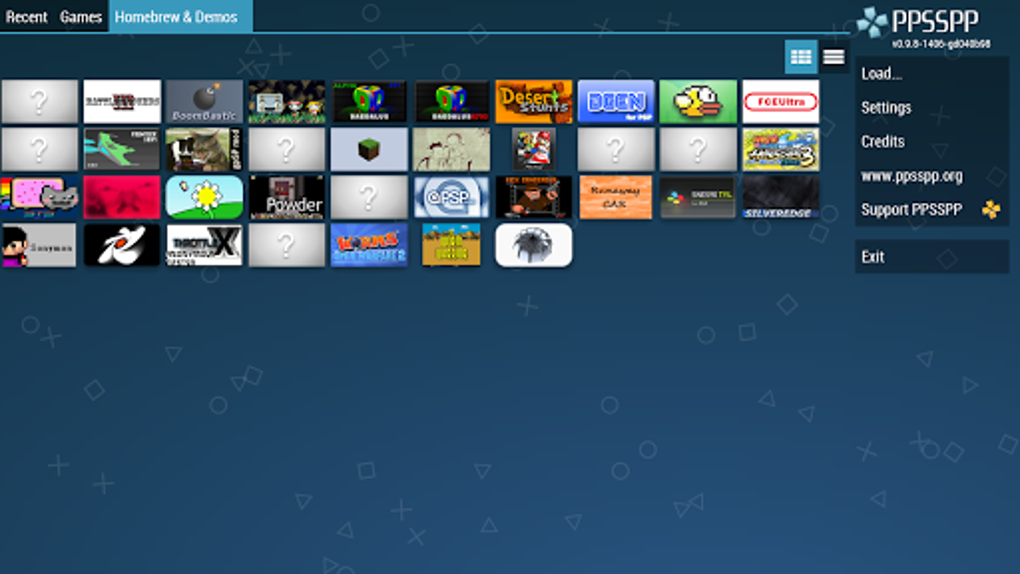
The user interface of PPSSPP - PSP Emulator is designed with accessibility in mind, featuring a clean layout with intuitive navigation. Main functions such as game loading, settings, and control configuration are accessible through clearly labeled menus. The workflow is streamlined: users load a PSP game file, adjust visual and control preferences, and begin playing with minimal setup.
Performance varies depending on device capabilities and game complexity. Some users may experience lagging or freezing during gameplay, particularly with graphically intensive titles. The developer did not specify resource usage details, and performance observations are based on general software behavior patterns. Stability is generally acceptable under normal conditions, but occasional crashes may occur during extended sessions. The application is lightweight at 25.7 MB, suggesting efficient resource management.
Compatibility & System Requirements
PPSSPP - PSP Emulator is compatible with Android and iOS devices. The current version is 1.12.0, released on May 15, 2024. The installation size is 25.7 MB, making it a compact download suitable for mobile storage. Exact system requirements were not listed by the developer. Compatibility information is limited to the supported platforms, and no specific hardware specifications were provided.
Users should ensure their device meets general requirements for running emulated games, such as sufficient RAM and a capable processor. The application may perform better on newer devices with updated operating systems. For older or less powerful devices, performance may be inconsistent, especially when running high-demand games.
Pros and Cons
Pros
- Free to use with no in-app purchases or hidden costs
- Supports high-resolution output for enhanced visual quality
- Offers save states for flexible gameplay progression
- Customizable controls for improved user experience
- Lightweight at just 25.7 MB
- Supports homebrew games and user-provided PSP files
Cons
- Does not include any games — users must supply their own
- Occasional lagging and freezing reported during gameplay
- Performance may vary significantly across devices
- No official support for desktop operating systems
- Developer did not provide detailed system requirements
FAQ Section
Is PPSSPP free to download and use?
Yes, PPSSPP - PSP Emulator is completely free to download and use. There are no in-app purchases or subscription fees. Users can access all core features without cost.
What platforms does PPSSPP support?
PPSSPP is available for Android and iOS devices. It is designed for mobile platforms and does not currently support desktop operating systems like Windows or Mac.
Do I need to own a PSP game to use this emulator?
Yes, the emulator does not include any games. Users must provide their own PSP game files or use free homebrew games available online.
Can I save my game progress at any time?
Yes, PPSSPP supports save states, allowing users to save and restore game progress at any point during gameplay. This feature is useful for managing long gaming sessions or avoiding in-game save limitations.
Is PPSSPP safe to download and use?
PPSSPP is developed by Henrik Rydgård and distributed through official channels. As long as the app is downloaded from trusted sources, it is considered secure. Users should avoid third-party versions to prevent potential risks.
Final Thoughts + CTA
PPSSPP - PSP Emulator delivers a powerful and accessible way to enjoy PSP games on mobile devices with modern enhancements. Its high-resolution support, save states, and customizable controls make it a standout choice for retro gaming fans. While occasional performance issues may arise, the benefits of free access, visual upgrades, and flexibility outweigh the drawbacks for most users.
It is best suited for mobile gamers, retro enthusiasts, and those looking to preserve their PSP library on current devices. The absence of built-in games is a minor trade-off for full user control and compliance with licensing standards.
Download PPSSPP now to relive classic PSP titles with enhanced visuals and seamless gameplay.







